Vish Dashboard - Getting Started
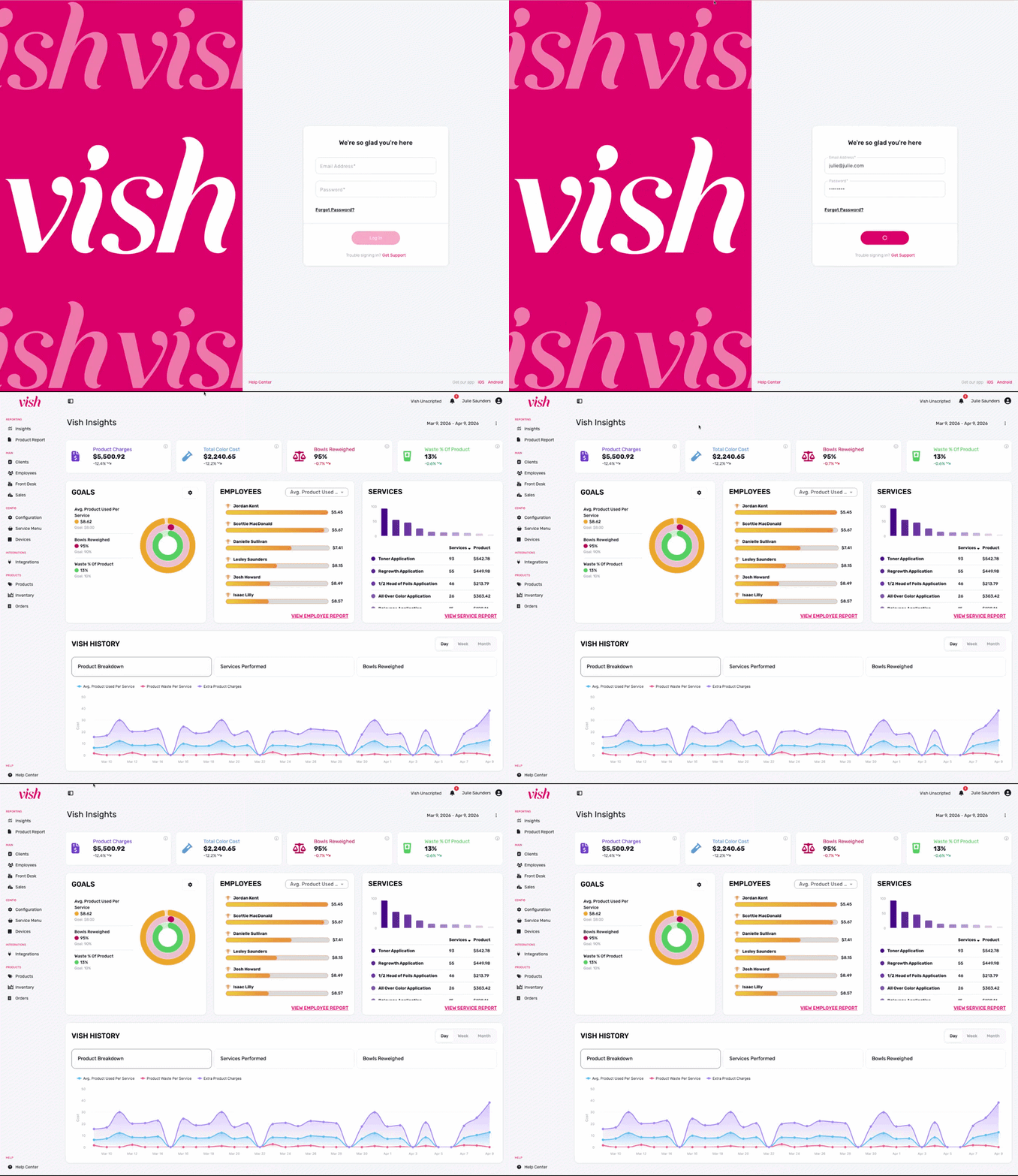
The Vish Insights Dashboard provides a high-level summary of your salon's color profitability, waste metrics, and team performance. This is the first screen you see when logging into the dashboard, designed to give you an immediate pulse on your business.
Click here to log in to your Vish dashboard: app.getvish.com
Navigating the Dashboard
- Location Selector: If you have multiple Vish salons, switch between different salon locations using the dropdown at the top right.
- Date Range: Filter all dashboard data by selecting a specific timeframe (e.g., Mar 8, 2026 - Apr 8, 2026).
- Notification Bell: Displays a red circle when there are important messages related to your dashboard.
- Global Navigation: Use the left-hand sidebar to jump between Insights, Product Reports, Clients, Employees, Front Desk, Sales and more.